Stop Storing, Start Storytelling: AI Travel Photo Organizer
Tired of photo clutter? Discover how AI photo culling for travelers turns “selection paralysis” into curated digital albums in minutes.
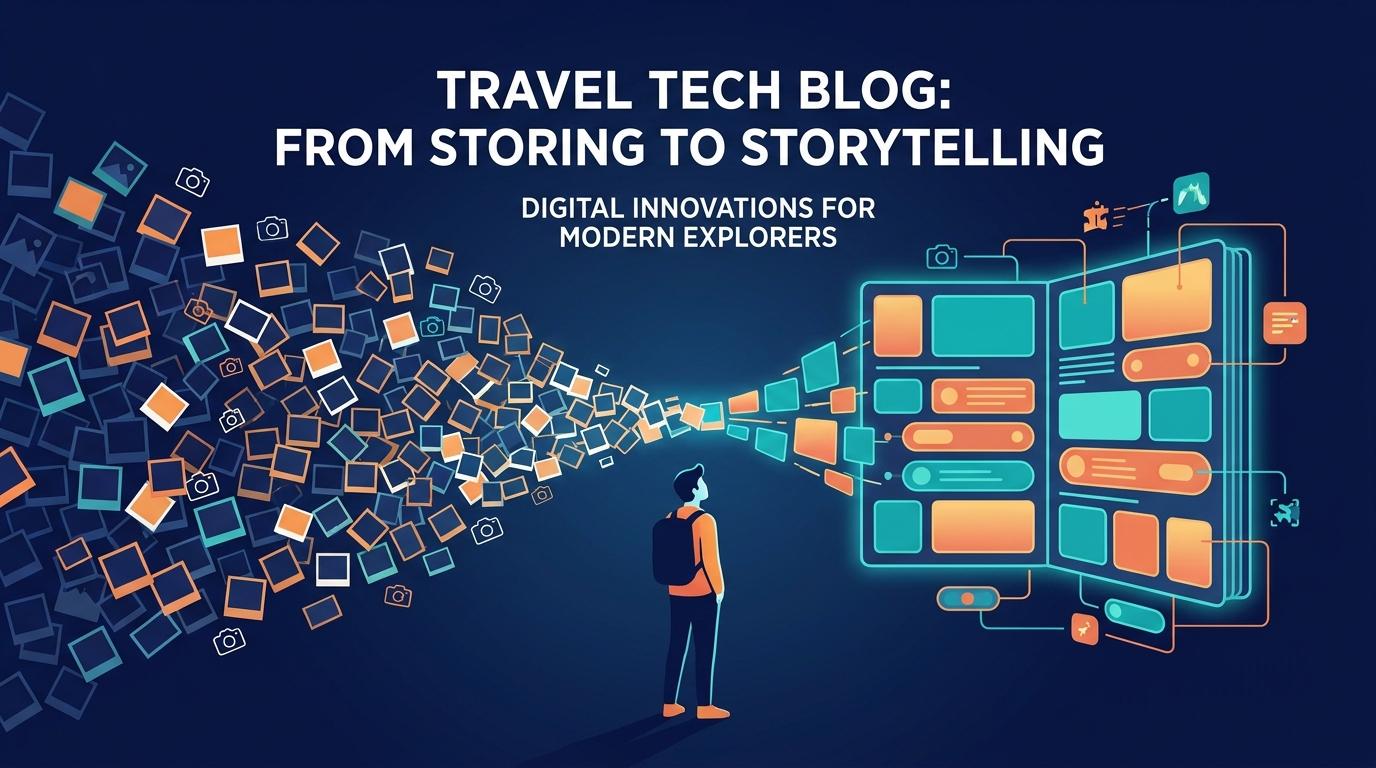
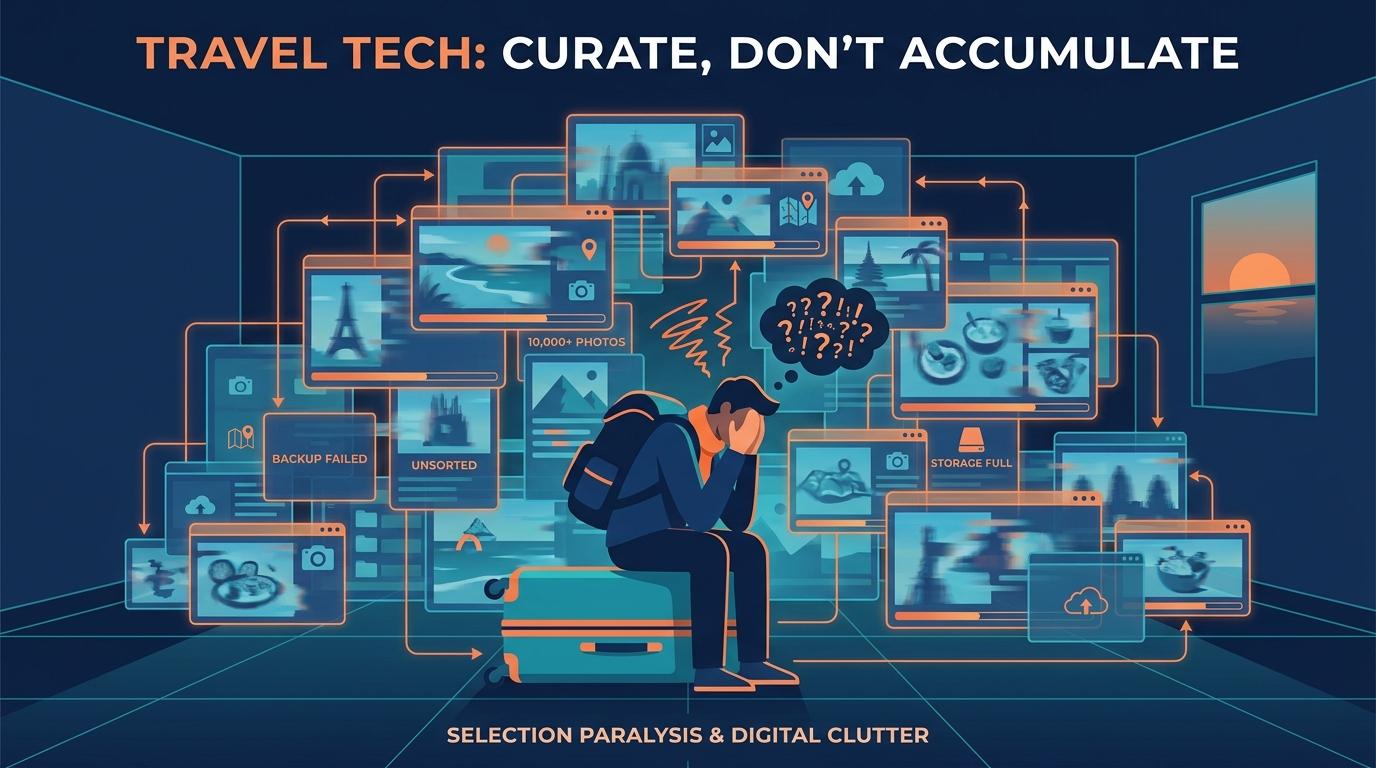
The modern traveler’s greatest burden isn’t a heavy suitcase; it’s the 10,000 digital fragments of a journey sitting untouched in their pocket. We face an epidemic of “Selection Paralysis”—the overwhelming inability to sort through the noise to find the magic. Trippy Taless changes that by shifting the paradigm from storage to selection.
📋 Key Takeaways
- AI photo culling reduces a 10,000-photo library to a curated set in minutes, not hours
- Trippy Taless uses GPS metadata + computer vision to organize photos by story, not just date
- Unlike Google Photos or iCloud, it curates rather than just stores — surfacing your best shots automatically
- Works across iPhone, Android, and DSLR by syncing via timestamp and GPS location
- Available as a freemium app — start free, upgrade for advanced AI features
Table of Contents
The Selection Paralysis Epidemic
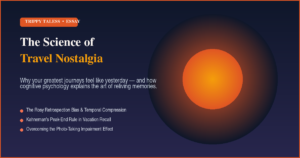
We’ve all been there: landing in Rome or Tokyo and snapping hundreds of daily images. These shots eventually disappear into passive silos like Google Photos or iCloud. Research suggests the “photo-taking impairment effect”—where the act of capturing everything actually hinders our organic memory formation. Without smart curation, your memories stay locked away in a digital vault you’re too intimidated to open.
Enter AI Photo Culling
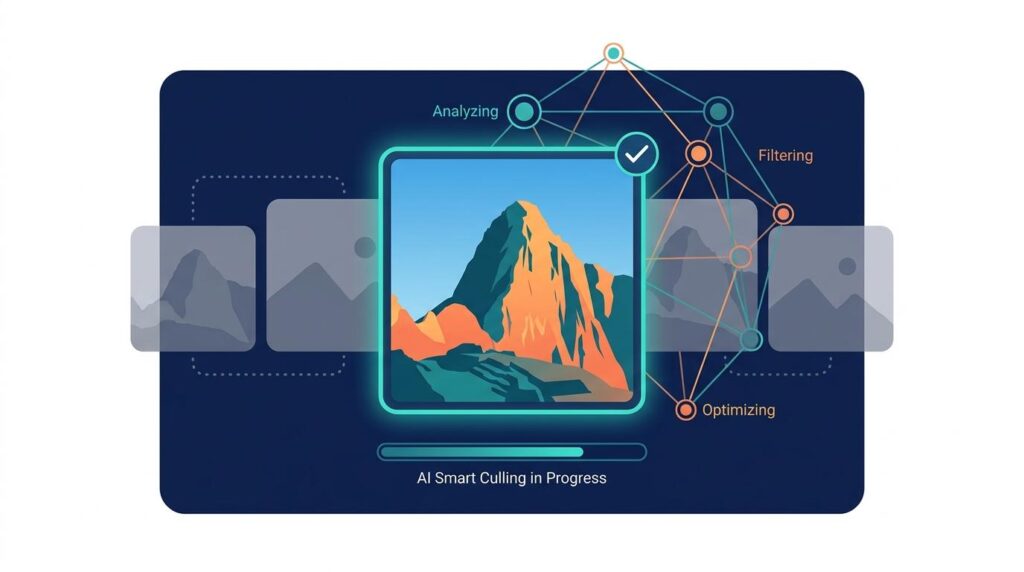
While many tools focus on AI editing, the real breakthrough is AI culling. Using advanced computer vision, Trippy Taless analyzes your library not just for storage, but for storytelling. Our “Aesthetic Judgment” models go beyond simple filters, evaluating:
Compositional Integrity
Identifying the rule of thirds and level horizons automatically.
Technical Clarity
Instant motion blur detection to weed out the “duds.”
Emotional Resonance
Detecting genuine smiles and eyes-open moments.
Duplicate Intelligence
Choosing the single sharpest frame from a 10-shot burst.
Trippy Taless vs. Google Photos vs. iCloud: What’s the Difference?
Most photo storage apps are built to hold your memories — not help you relive them. Here’s how Trippy Taless compares to the mainstream alternatives:
| Feature | Trippy Taless | Google Photos | iCloud Photos |
|---|---|---|---|
| AI Photo Culling | ✅ Auto-selects best shots | ❌ No | ❌ No |
| Location-based storytelling | ✅ GPS + landmark recognition | ⚠️ Basic map view only | ⚠️ Basic map view only |
| Multi-device sync | ✅ iPhone, Android & DSLR | ✅ Android & iOS | ⚠️ Apple devices only |
| Burst / duplicate detection | ✅ Picks sharpest from 10-shot burst | ⚠️ Basic only | ❌ No |
| Travel narrative building | ✅ “Living Documents” with chapters | ❌ No | ❌ No |
| Pricing | Freemium (free to start) | Free (15GB), paid storage | 5GB free, paid storage |
How Trippy Taless Works: A Step-by-Step Overview
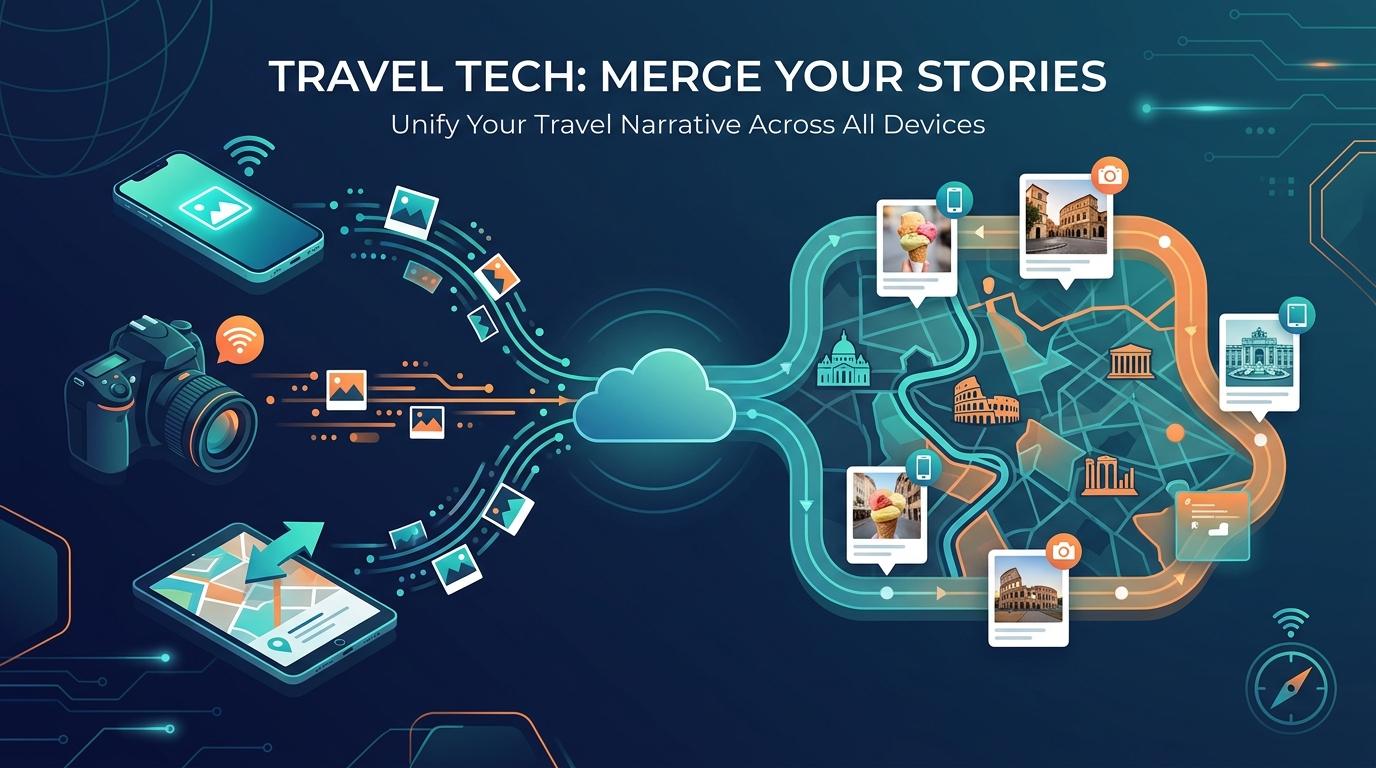
- Import from any device — Connect your iPhone, Android, or DSLR. Trippy Taless syncs all sources by timestamp and GPS coordinates into one unified library.
- AI culling runs automatically — The Aesthetic Judgment engine scores every photo on composition, sharpness, emotional resonance, and duplication. Only the best survive the cut.
- Stories are built by location — GPS metadata maps your photos to real landmarks and neighborhoods, automatically creating chronological chapters for each place you visited.
- Your Living Document is ready — Browse, share, or export a curated, story-driven album that actually captures the journey — not just the quantity.
Mapping the Narrative
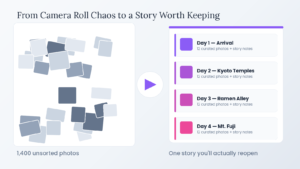
A true travel record needs “ground truth.” By integrating GPS metadata, Trippy Taless cross-references your coordinates with local landmarks (like the Piazza di Santa Maria) to build “Living Documents.” We transform a chaotic folder of files into a “Notion for travel,” complete with neighborhood chapters and itinerary maps. Check out our deep dive on the best AI tools to auto-sort vacation photos to see how this compares to other approaches.
Breaking the Silos
Our memories are often scattered—some on an iPhone, others on a DSLR or a partner’s Android. Trippy Taless acts as a central hub, synchronizing these sources by timestamp and location. This specialized Google Photos alternative for travel ensures that your high-res landscapes and spontaneous selfies sit side-by-side in a perfect, chronological flow.
Tailoring the Tech
Whether you’re an overwhelmed parent looking for that one family shot, a milestone traveler creating a legacy book, or a digital nomad organizing years of nomadic life, smart photo curation software is the key to reclaiming your time.
In the AI era, human memories are more valuable than ever. Don’t let your adventures die in a digital silo. Move from passive storage to active storytelling and transform your photo chaos into a curated, shareable legacy.
Frequently Asked Questions
What is AI photo culling for travelers?
AI photo culling is the process of using computer vision to automatically evaluate and select the best photos from a large collection — scoring each image on sharpness, composition, emotion, and duplication. For travelers, it means your 1,000-photo Rome dump is narrowed down to the 50 shots that actually tell the story.
How do I organize 10,000 travel photos quickly?
Use smart photo curation software like Trippy Taless, which uses computer vision to group photos by location and date, and filters out low-quality images automatically. What would take days of manual sorting is reduced to minutes.
Can AI tell the difference between a blurry photo and an artistic one?
Yes — modern AI models are trained on artistic intent and can distinguish between accidental camera shake and intentional techniques like motion blur or bokeh. Trippy Taless uses context (burst sequences, scene type) to make the right call.
Is there a better Google Photos alternative for travel?
Trippy Taless is purpose-built for travelers as a Google Photos alternative, offering AI culling, GPS-based storytelling, and multi-device sync — rather than just passive cloud storage. It’s designed to turn photos into narratives, not just archives.
Is Trippy Taless free to use?
Yes — Trippy Taless is free to start. The freemium model gives you access to core AI culling and organization features at no cost, with paid upgrades available for advanced features like bulk exports, premium story templates, and priority processing.
Does Trippy Taless work with DSLR cameras?
Yes. Trippy Taless is designed to sync photos from any source — iPhone, Android, and DSLR cameras — unifying them by timestamp and GPS location into a single, coherent travel story.
Can Trippy Taless organize photos taken by multiple people on a trip?
Yes. Trippy Taless can consolidate photos from multiple devices and contributors, syncing them by timestamp and location so everyone’s shots — from a partner’s iPhone to your DSLR — appear in the right place in the shared story.
What makes Trippy Taless different from other AI photo organizers?
Most AI photo tools focus on editing or basic tagging. Trippy Taless is built around storytelling — combining GPS-based narrative mapping, aesthetic-quality culling, and multi-device consolidation to turn your raw photo library into a “Living Document” of your journey.
Ready to Reclaim Your Travel Memories?
Stop letting your best shots disappear into a digital silo. Trippy Taless is free to start — connect your devices, let the AI do the heavy lifting, and walk away with a curated story of your journey.
Loved this story? Trippy Taless turns your own travel photos into a curated album like this — automatically.
Start Your Travel Story Free